Home → Product Catalogue → Biometric Fingerprint Attendance Machines
BioMax Genuine Hardware Model: N-BM60 ✓ Hyderabad Ready Stock

BioMax N-BM60 Wi-Fi Biometric Attendance Machine

Compact, Wi-Fi enabled fingerprint and RFID terminal supporting cloud API push for multi-location offices.
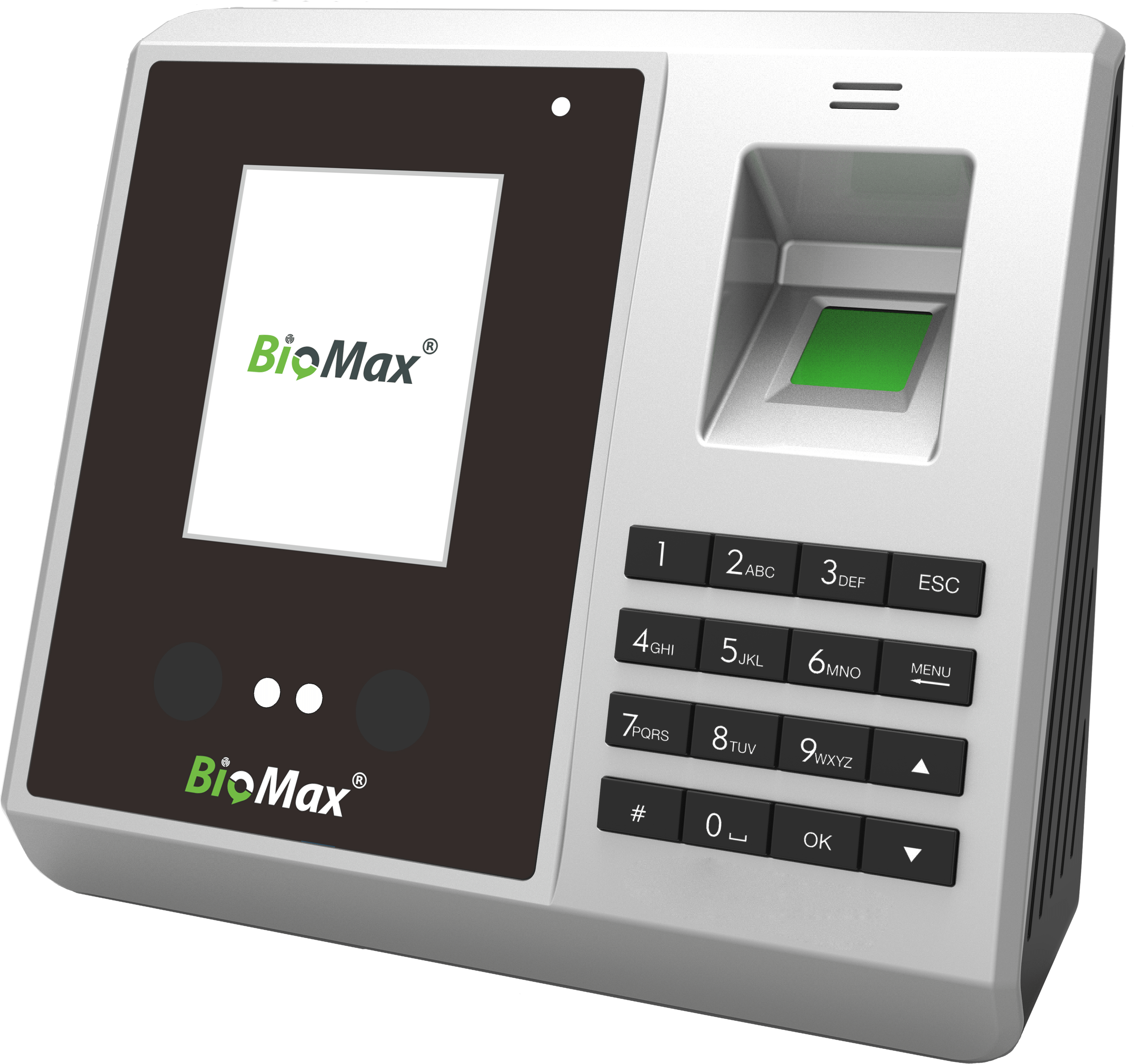
BioMax BioMax N-BM60 Wi-Fi Biometric Attendance Machine Hyderabad

Quotation & Onsite Setup

Direct supply, authorized installation, software configuration, and on-site warranty across Hyderabad and Secunderabad.

Download Official PDF Datasheet 📑 Download Full 2026 Master Catalogue Instant WhatsApp Enquiry 📞 Call Technical Helpline: +91 6301593064
User Capacity 2,000 Fingerprint Templates
Audit Logs / Rating 150,000 Audit Logs
Connectivity Wi-Fi (802.11 b/g/n), TCP/IP, USB

⭐ Key Features & Capabilities

  • ✔ Built-in Wi-Fi module eliminates the need for physical network cabling
  • ✔ Real-time cloud push data updates central server within 2 seconds of punch
  • ✔ High-hardness 500 DPI optical sensor resistant to moisture and grease
  • ✔ Detailed employee shift reports with late-arrival and overtime analytics

📋 Verified Technical Specifications

Manufacturer / Brand BioMax
Model Number N-BM60
Product Category Biometric Fingerprint Attendance Machines
Biometric Technology Auto-Focus Optical Sensor with False Rejection Rejection
Fingerprint Capacity 2,000 Templates
Card Capacity 2,000 Cards (125 kHz Proximity)
Log Capacity 150,000 Records
Verification Speed <= 0.5 Seconds
Communication Wi-Fi (802.11 b/g/n), TCP/IP, USB
Display 2.8" TFT Color Display
Battery Backup Optional External Power Backup
Cloud Support Direct Push Data Protocol to Cloud Servers
Power Supply 5V DC 1A / 12V DC 1.5A
Dimensions 180 x 135 x 35 mm
Warranty & Service 1 Year Comprehensive Warranty + Hyderabad Onsite Support

🏢 Recommended Commercial Applications

📍 Multi-Branch Retail Chains
📍 Corporate Branches & Satellite Offices
📍 Co-Working Spaces & Incubators
📍 Fitness Centers & Health Clubs

🔧 Hyderabad Installation & Software Integration

Plug into 230V AC socket, configure Wi-Fi SSID and password via terminal keypad, and link to cloud server URL.